
From table order to closing time
The till, tables, kitchen screen, waiter and digital menu in one system, in Arabic and English, run from your dashboard wherever you are.
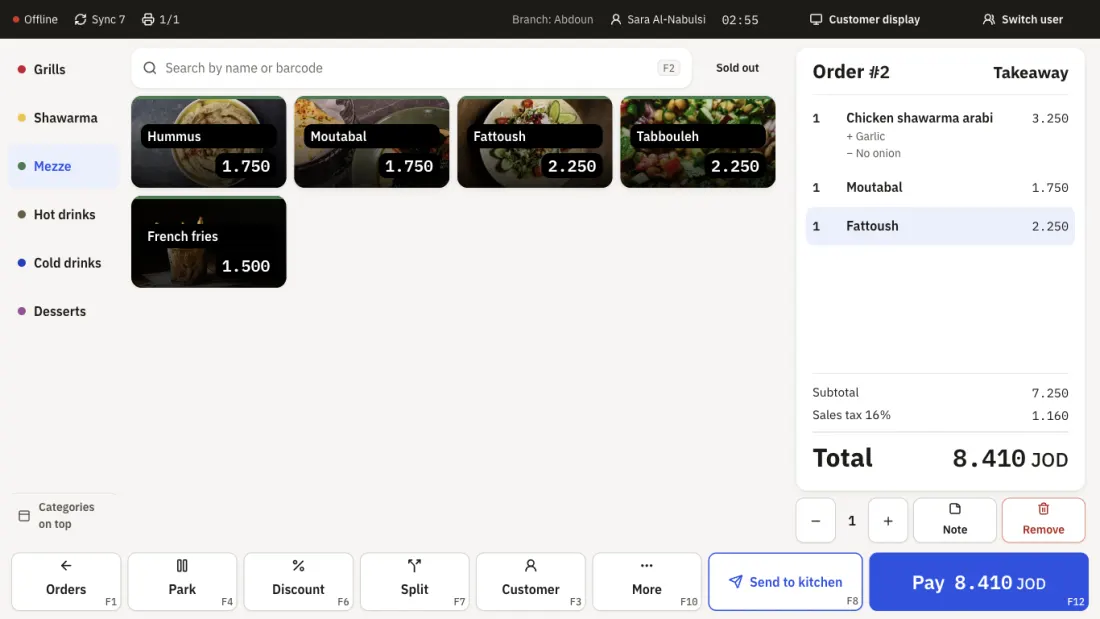
From the order to the kitchen screen
Take the order at the till and send it to the kitchen display, where staff can track preparation.
What you get in the restaurant system
Sells without internet
The main device in your restaurant keeps every order, prints it and sends it to the kitchen over the restaurant's network. When the internet is back, the sales reach your dashboard.
Receipts in Arabic and English
Receipts and kitchen tickets print in clear Arabic on thermal printers, or in English.
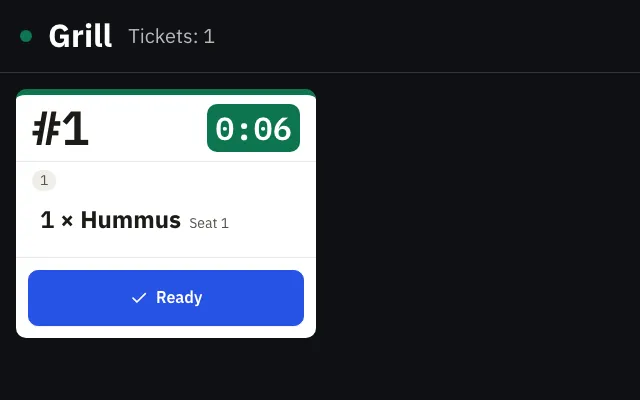
Kitchen screen
Orders reach each kitchen station on its own screen, and the cook taps “Ready” when done.
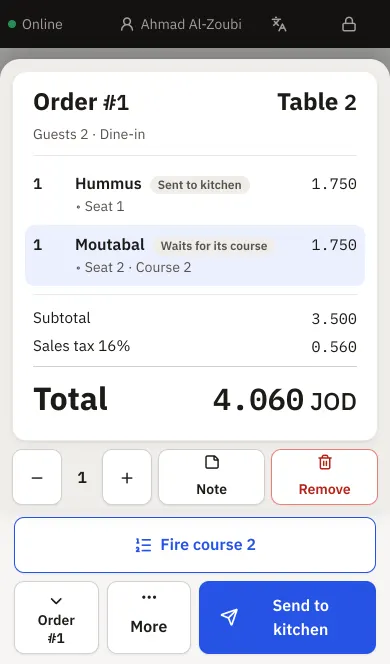
Waiters on their phones
Waiters take the order at the table on a phone or tablet, and it reaches the till and the kitchen at once.
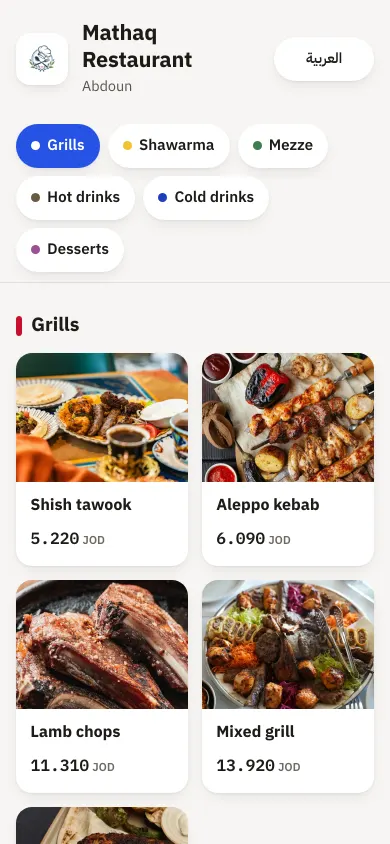
The digital menu is in your plan
A QR code on each table opens the menu with your prices and photos, at no extra cost.
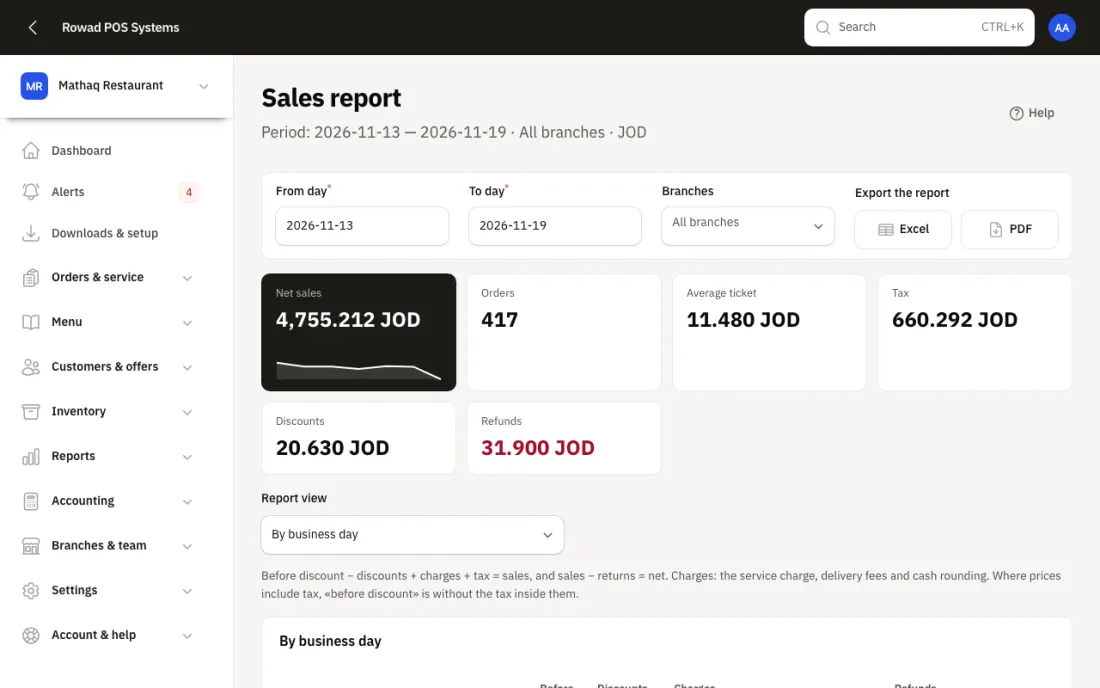
Your dashboard anywhere
Sales, reports, the menu and staff in the browser, on your computer or your phone.
And in the higher plans
- Ordering from the table by QR
- Inventory, recipes and dish cost
- Delivery
- Loyalty and reservations
- Menu boards, a ready-orders screen and a self-order kiosk
- Several branches
Devices
- Use the Windows or Android app for an offline branch setup. You can also open the point of sale in your browser and pair the device from your account.
- Waiters, the kitchen screen and the customer screen: any phone or tablet with a browser, on the restaurant's network.
- Printing: thermal printers for receipts and the kitchen, over the network or USB.
Download Android from the Downloads section in your restaurant account. On Windows, you can open the point of sale straight from your browser.
Download apps from your account