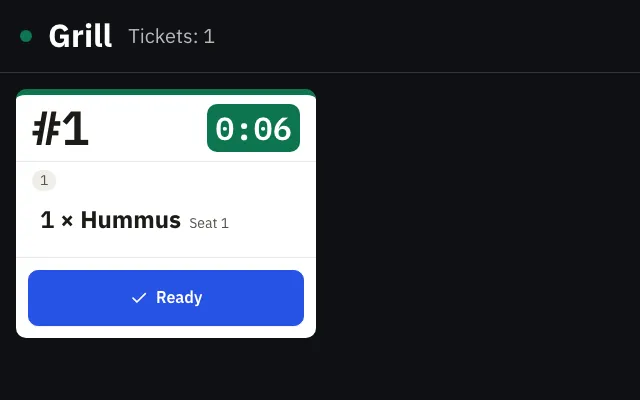
From the order to the kitchen screen
Take the order at the till and send it to the kitchen display, where staff can track preparation.
Explore restaurants and cafésManage restaurant orders, retail sales and stock, or service invoices and payments with the Rowad system for your business.
Take the order at the till and send it to the kitchen display, where staff can track preparation.
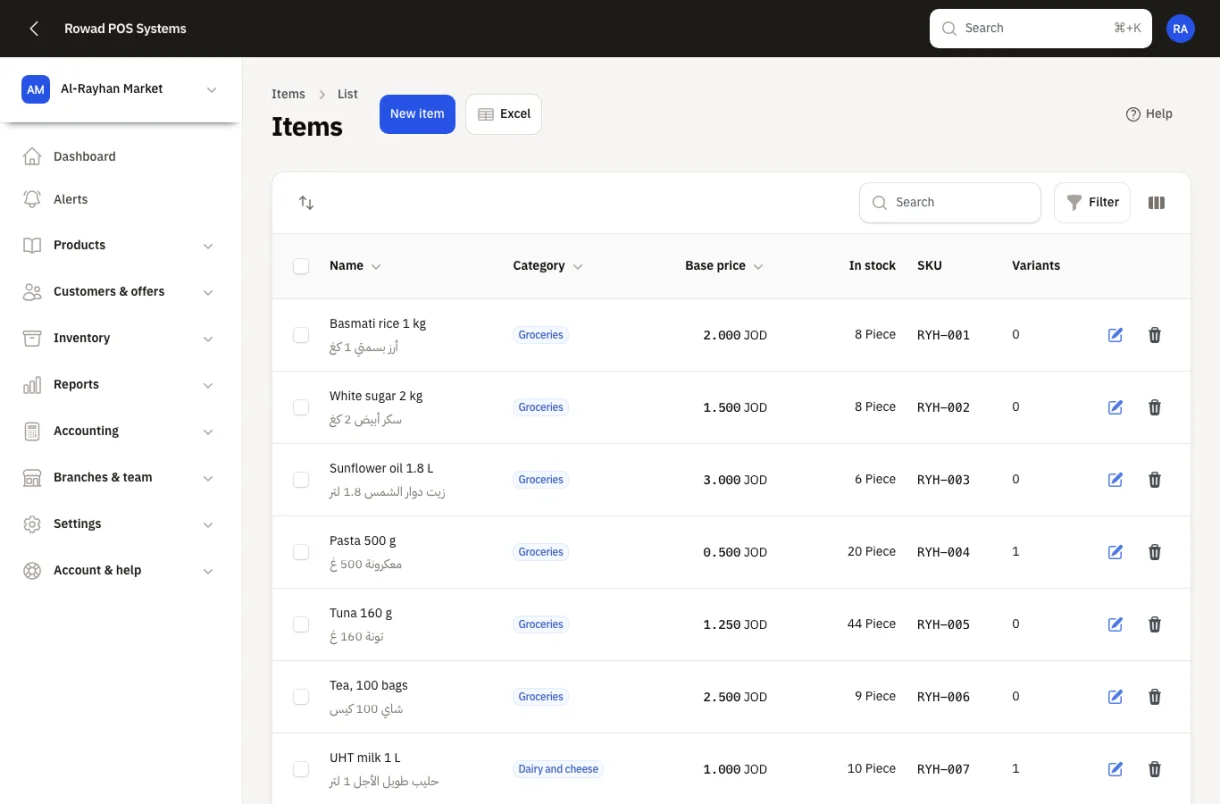
Explore restaurants and cafésThe product list shows each item’s price and stock balance. At the till, scan a barcode to start a sale and print the receipt after payment.
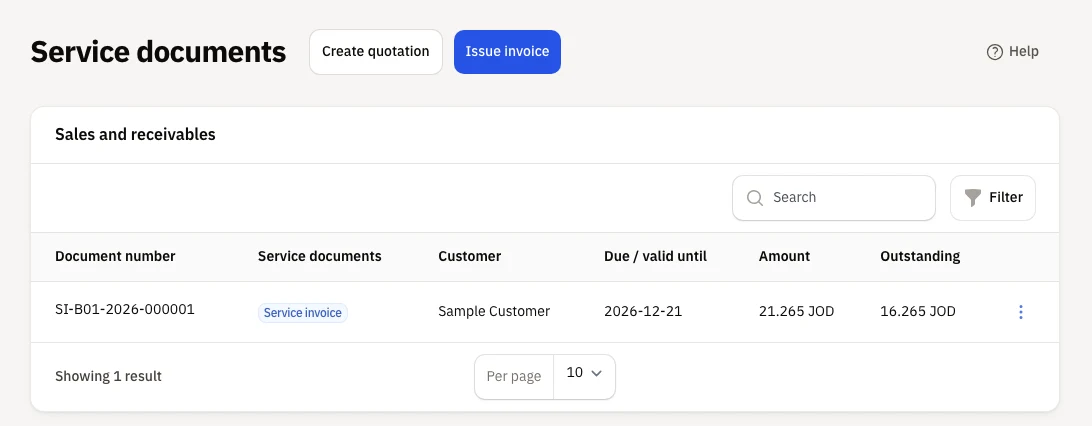
Explore shopsTurn a quote into a service invoice and track payments and the balance due for each customer.
Explore service businessesTell us what you run, how many branches you have and which jobs you need to handle. See the solution and plans that fit.
One retail system supports these workflows. Start with the page that best describes how your shop operates.
Scan packaged goods at checkout, buy by the carton, sell by the unit and track how much stock you have.
Explore the solutionGive every item you sell a barcode and track balances and returns across branches.
Explore the solutionBring sales, stock, purchases and customer balances together in the shop dashboard.
Explore the solutionSee stock by branch and move goods between warehouses.
Yes. The main device in your restaurant sells, prints and sends to the kitchen over the restaurant's own network. When the internet is back, the sales reach your dashboard.
No. It runs in the browser on a computer, tablet or phone, sells by barcode and prints the receipt.
Its price is on your system's plans page, for each branch beyond your plan's. Ask us and it is added to your subscription.